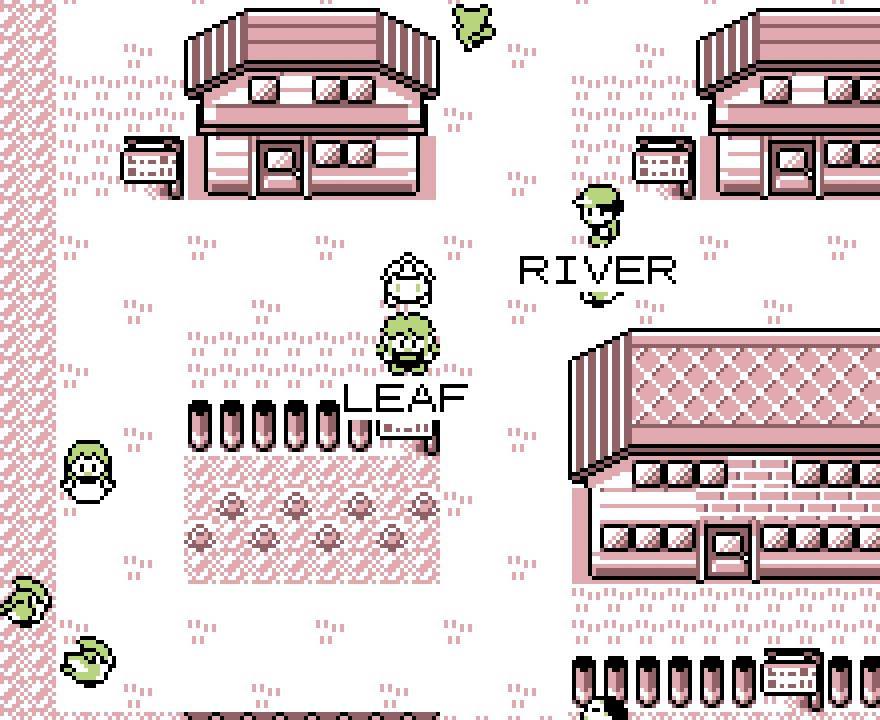
Use A to choose and B to go back. Keyboard defaults: Z or Space for A, X or Esc for B, and Enter for Start.
Choose your partner
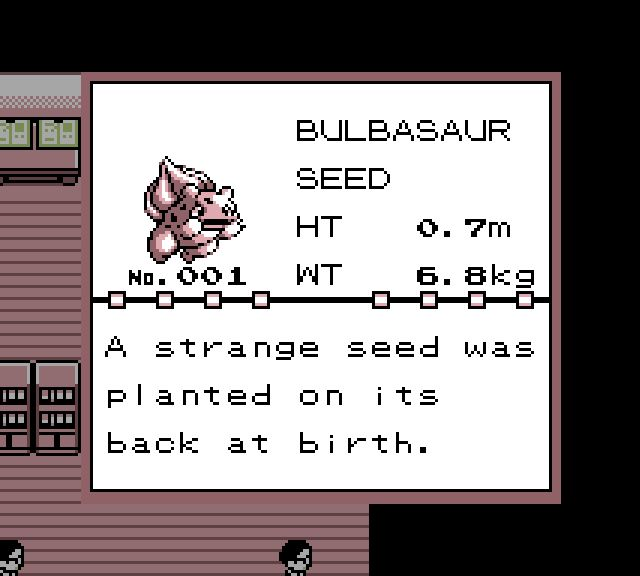
In Oak’s lab, inspect a Poké Ball to learn about its Pokémon. Use A to read the description, then B to return to Oak’s question.
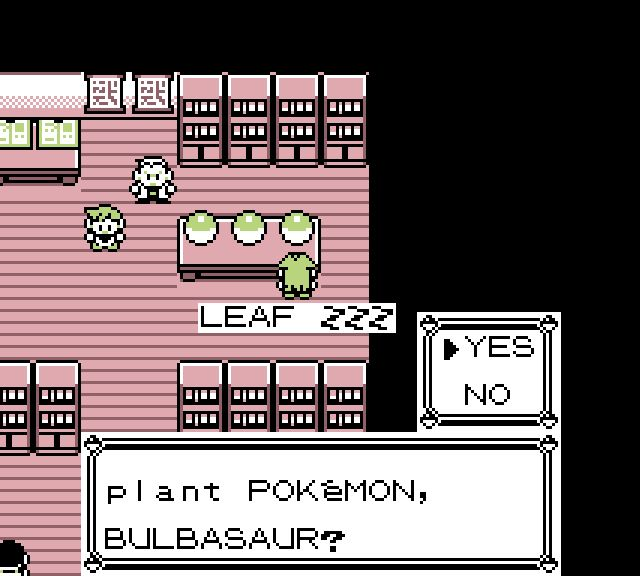
Choose YES when you have found your partner. Choose NO if you want to look at another Poké Ball first.
Check your team
After the conversation, open the Start menu and choose POKéMON. Select your partner, then choose STATS to check its level, HP, status, and type.
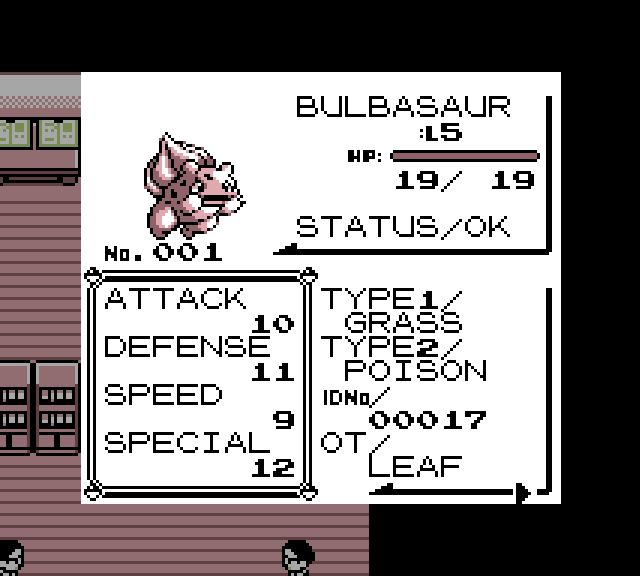
Use B to return to your team. Visit a Pokémon Center when your team needs healing, and keep Poké Balls ready once you begin catching new partners.
Start exploring
Talk to the people you meet, look around new places, and give your Pokémon time to grow. For your next steps, read about training your team or travelling with your field tools.